Go on, draw on it.
Free · Open source · macOS 14+
 Pictor
 by MakioThe simple paint app your Mac never had
Missing Paint on your Mac? macOS never shipped a simple paint program — Pictor is one: sixteen classic tools, a 28-colour palette and a bucket that respects a one-pixel outline. No smoothing, no account, no subscription.
Version 1.1.0 · Universal · Signed and notarised · MIT licence
What Pictor looks like
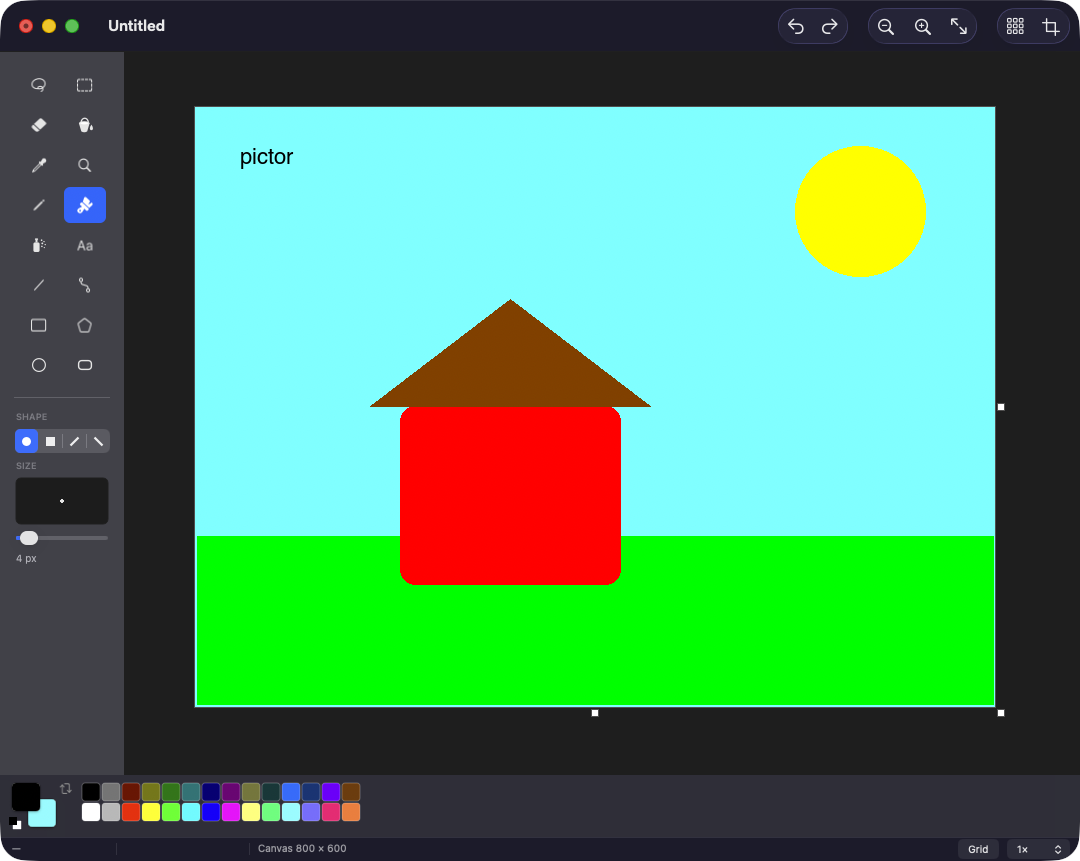
All sixteen tools
A classic 2 × 8 toolbox, with the single-key shortcuts you never actually forgot.
- Free-Form Select
- Select
- Eraser
- Fill With Color
- Pick Color
- Magnifier
- Pencil
- Brush
- Airbrush
- Text
- Line
- Curve
- Rectangle
- Polygon
- Ellipse
- Rounded Rectangle
Pixel-perfect, literally
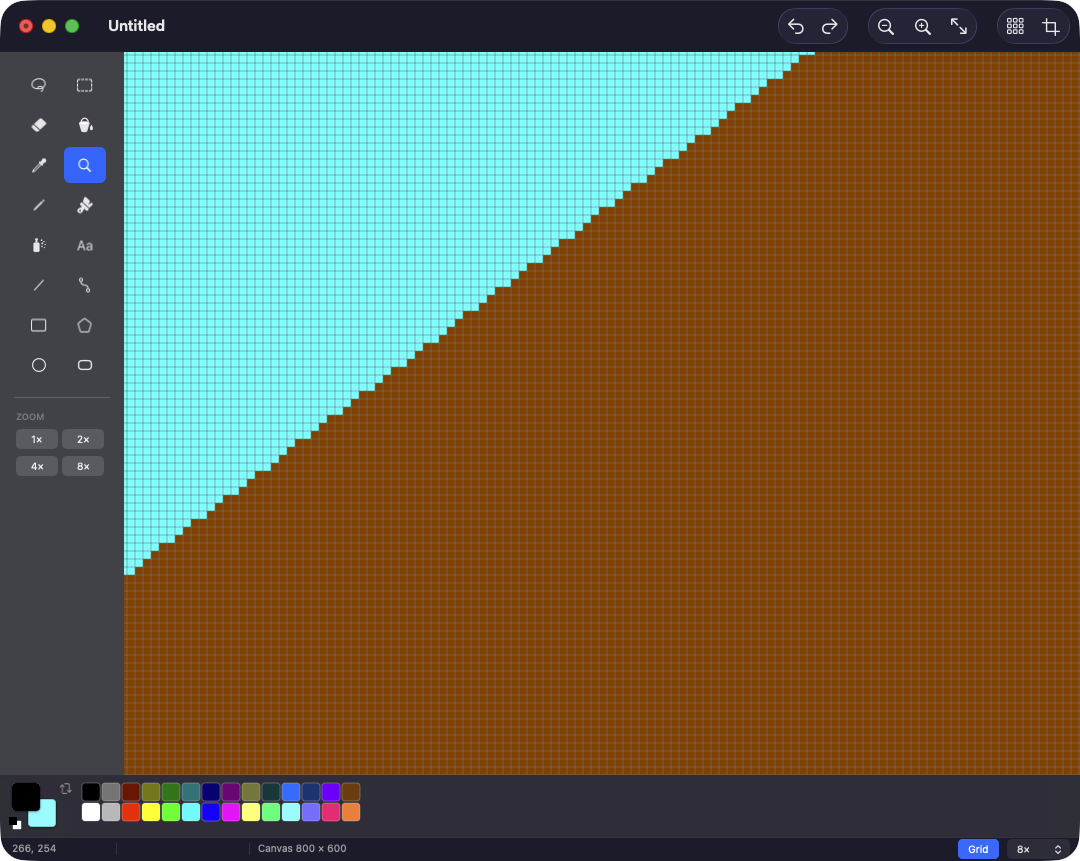
Every tool writes whole pixels into a raster buffer. Zoom to 3200% and you get hard edges and a pixel grid, not a blurry approximation of what you drew.
Shape previews are rasterised on every frame of the drag, so what you see while dragging is byte-for-byte what you get when you let go.
Features
- No smoothing, ever
- Nearest-neighbour all the way up to 3200%, with a pixel grid past 4×. The pixel you click is the pixel that changes.
- Two colours, two buttons
- Left click paints the foreground, right click the background — for every tool, shape fills included.
- A bucket that holds
- Four-connected flood fill with optional tolerance. Ellipses and rounded rectangles come out watertight, so it can't leak.
- Real Mac citizen
- PNG, JPEG, TIFF, BMP and GIF through the document architecture, so Open Recent, Revert, printing and autosave prompts all work.
Questions
- Is there a Microsoft Paint for Mac?
- No — Microsoft has never released Paint for macOS. Pictor is a free, open-source alternative: a native Mac app with sixteen classic tools, a 28-colour palette and no smoothing, for when you just want to draw, crop or mark up a picture.
- Is Pictor made by Microsoft?
- No. Pictor is an independent project by Manuel Rizzo, written from scratch in Swift and AppKit. It is not affiliated with or endorsed by Microsoft and contains no Microsoft code or assets.
- Is it really free?
- Yes. Pictor is MIT licensed, with no account, no subscription, no ads and no analytics inside the app. The source code is on GitHub.
- Which files can it open and save?
- PNG, JPEG, TIFF, BMP and GIF. Transparency survives a PNG round trip; formats that cannot hold it are flattened onto white.
- Wasn't this app called Paint?
- Yes, up to version 1.0.2. It was renamed Pictor in 1.1.0 — same app, same tools. Your settings carry over, and older copies are offered the update automatically.
Get Pictor
A macOS 14+ universal build, signed with a Developer ID and notarised by Apple, so it opens with a double-click. Free forever, MIT licensed.
Pictor is free and always will be. If it saved you a trip to a Windows VM, buy me a coffee.